
VPN Kill Switch: A Critical Safeguard for Online Privacy
Introduction
Virtual Private Networks (VPNs) are widely used to encrypt internet traffic, hide IP addresses, and protect user privacy. However, even the most reliable VPN connections can occasionally drop. When this happens, your device may revert to its regular internet connection, exposing your real IP address and sensitive data. This is where the VPN Kill Switch comes in—a vital feature designed to prevent accidental leaks.
What Is a VPN Kill Switch?
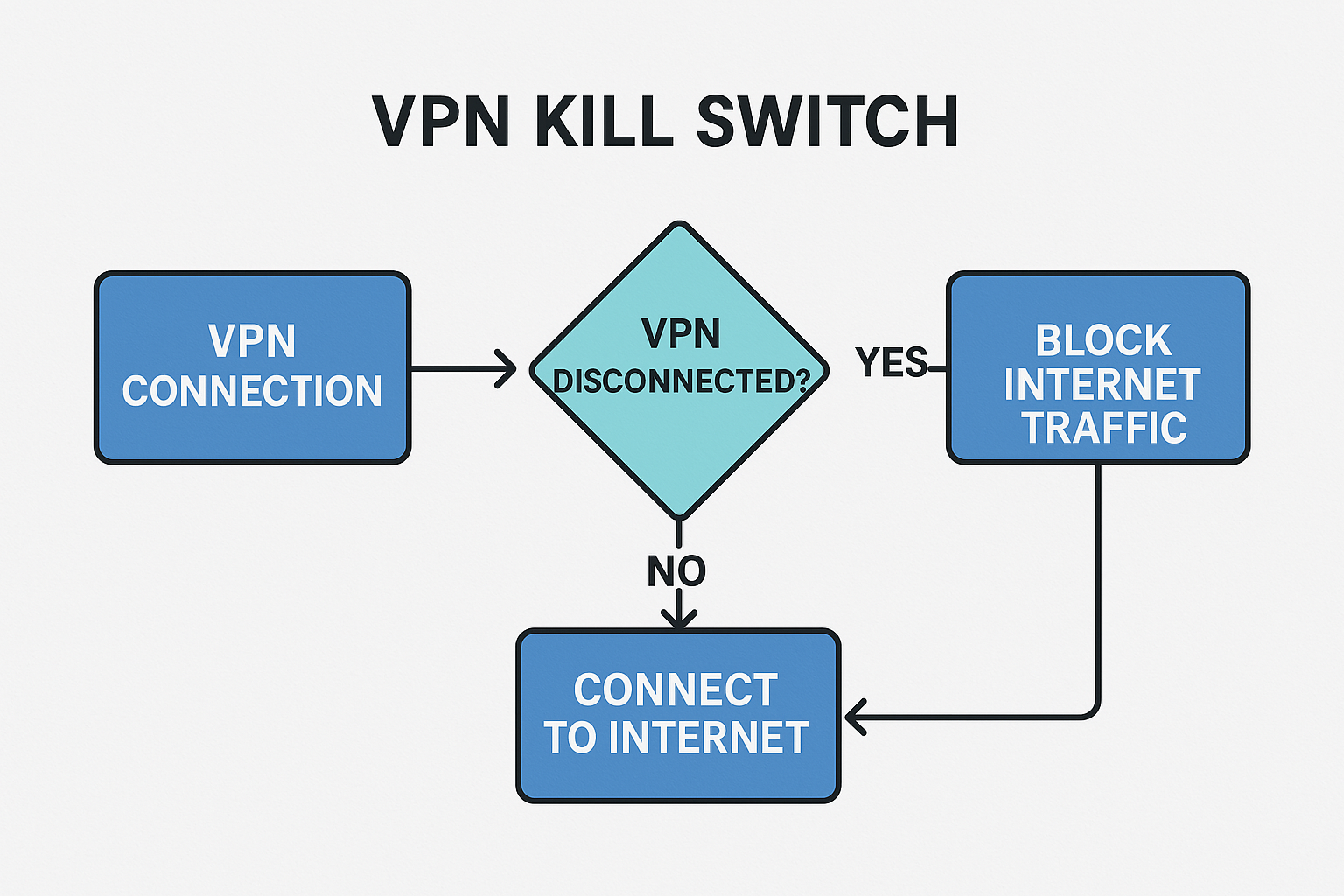
A VPN Kill Switch is a security mechanism that automatically blocks internet access if the VPN connection fails. Its primary purpose is to ensure that no traffic leaves your device unprotected, safeguarding your identity and sensitive information.
How It Works
- Constantly monitors the VPN tunnel status
- Immediately cuts off internet access when the VPN disconnects
- Restores connectivity once the VPN connection is re-established
Types of Kill Switches
System-Level Kill Switch
- Blocks all network traffic on the device
- Ideal for users with high security needs
Application-Level Kill Switch
- Restricts internet access only for selected apps
- Offers flexibility but limited coverage
Use Cases
- Connecting to public Wi-Fi in airports or cafés
- Downloading or uploading sensitive files
- Peer-to-peer (P2P) or torrenting activities
- Remote work requiring secure access to company resources
Advantages and Limitations
Advantages
- Prevents IP and data leaks
- Strengthens privacy protection
- Enhances overall security
Limitations
- May cause temporary internet disruptions
- Not all VPN providers enable it by default
Testing and Enabling
- Check if your VPN has a Kill Switch option in its settings
- Disconnect the VPN manually to see if internet access is blocked
- Verify with IP leak tests to ensure protection is active
Comparison With Other Features
- Always-On VPN vs Kill Switch: Always-On ensures continuous VPN usage, while Kill Switch protects during unexpected drops.
- Kill Switch vs Firewall: Firewalls filter traffic, but Kill Switch specifically prevents unencrypted traffic when VPN fails.
Best Practices
- Always keep Kill Switch enabled
- Use strong encryption protocols like WireGuard or OpenVPN
- Regularly test Kill Switch functionality to confirm reliability
Conclusion
The VPN Kill Switch is not just an optional feature—it is a critical safeguard for anyone serious about online privacy. By ensuring that no data escapes unencrypted, it provides peace of mind and robust protection against accidental exposure. Choosing a VPN provider that supports Kill Switch functionality is essential for maintaining a secure digital presence.